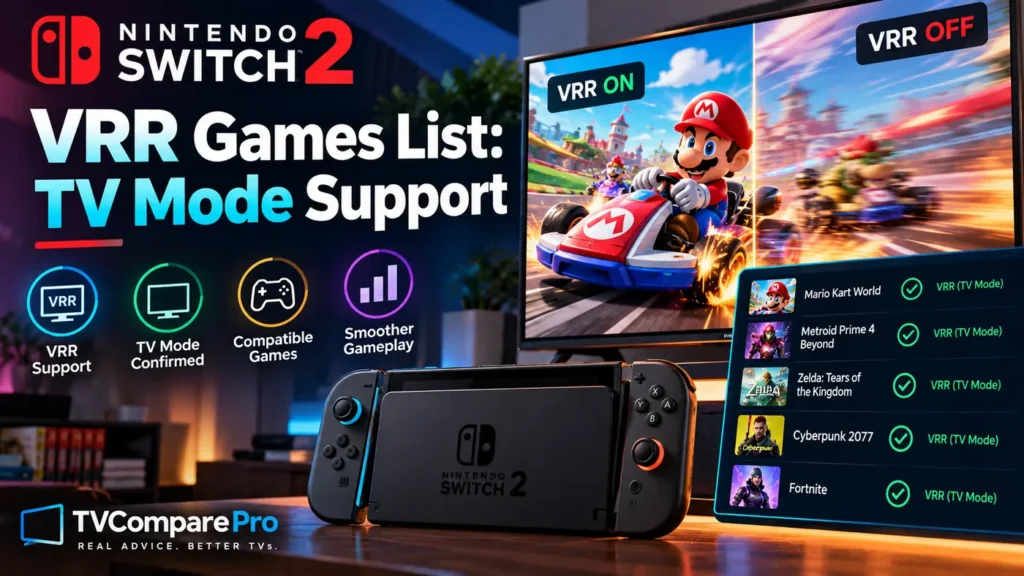

The Nintendo Switch 2 VRR games list is still very short, even though TV Mode VRR is now a real system feature. Nintendo added Variable Refresh Rate support for TV Mode with system version 23.0.0 in September 2026, but the console-level update does not make every game VRR-compatible automatically.
For VRR to work on a television, four pieces have to line up: the Switch 2 system software, the updated dock, a game that supports TV Mode VRR, and a compatible TV. That is why this page focuses on verified support rather than simply listing games that feel smoother after the update.
Last verified: September 26, 2026. The list below only includes games with clear official confirmation for VRR output on a compatible TV.
Nintendo Switch 2 VRR games list
| Game | TV Mode VRR | Availability | Official confirmation |
|---|---|---|---|
| Nintendo Switch 2 Welcome Tour | Yes | Available now | Version 1.1.0 patch notes and Nintendo feature listing |
| The Legend of Zelda: Ocarina of Time | Yes | Releases Nov. 5, 2026 | Nintendo product page lists VRR Output for compatible TVs |
That is deliberately a much shorter list than you may see in forum posts. We are not counting a title simply because a TV’s gaming overlay shows “VRR” or because a player reports smoother motion. Those observations can be useful, but they do not prove that the game has documented TV Mode VRR support.
What has to be compatible?
| Part of the chain | What is required | If it is missing |
|---|---|---|
| Switch 2 system | System version 23.0.0 or newer | TV Mode VRR is unavailable |
| Switch 2 dock | Current dock firmware | The VRR TV output feature cannot be enabled correctly |
| Game | TV Mode VRR support | The system setting alone does not create VRR support |
| Television | VRR-capable HDMI input | The TV remains at a fixed refresh rate |
Welcome Tour is the first verified game you can use now
Nintendo Switch 2 Welcome Tour is the clearest released example. Version 1.1.0 added the ability to run its VRR Slider tech demo in TV Mode. Nintendo specifically says that a VRR-compatible TV is required and that the Switch 2 dock also needs to be updated.
Version 1.1.1 followed later in September with general fixes. Nintendo did not publish a long technical changelog for that patch, so we would not attribute undocumented VRR changes to it.
The important point is that Welcome Tour has direct first-party confirmation. It therefore belongs in the confirmed list instead of the “reported” category.
Ocarina of Time is officially confirmed for November
The upcoming Nintendo Switch 2 version of The Legend of Zelda: Ocarina of Time, scheduled for November 5, 2026, is the second title we can verify cleanly. Nintendo’s product page lists both HDR output and VRR Output as features available on compatible televisions.
This does not tell us how aggressively the game’s frame rate will vary or how large the visual improvement will be. It only confirms that Nintendo intends the title to support VRR output in TV Mode.
| Status | How TVComparePro treats it |
|---|---|
| Official Nintendo product page lists VRR Output | Confirmed |
| Official patch notes explicitly add TV Mode VRR | Confirmed |
| Publisher explicitly says docked/TV VRR | Confirmed |
| TV game bar says VRR, but no game documentation exists | Unverified |
| Reddit or forum user says the game feels smoother | Reported only |
What about Cyberpunk 2077, Assassin’s Creed and other games?
There are already community reports around several other Switch 2 games. Some users say titles such as Cyberpunk 2077, Assassin’s Creed Shadows and other demanding releases appear smoother after the system update or trigger a VRR indicator on their television.
Those reports are worth watching, but they are not enough for this table. A TV can show that a VRR-capable HDMI mode is active even when the software is not varying its frame delivery in the way the user expects. Resolution mode, 120Hz output and the TV’s own game overlay can also make community results look inconsistent.
Once Nintendo or a publisher clearly documents TV Mode VRR for another game, we can move it into the confirmed table.
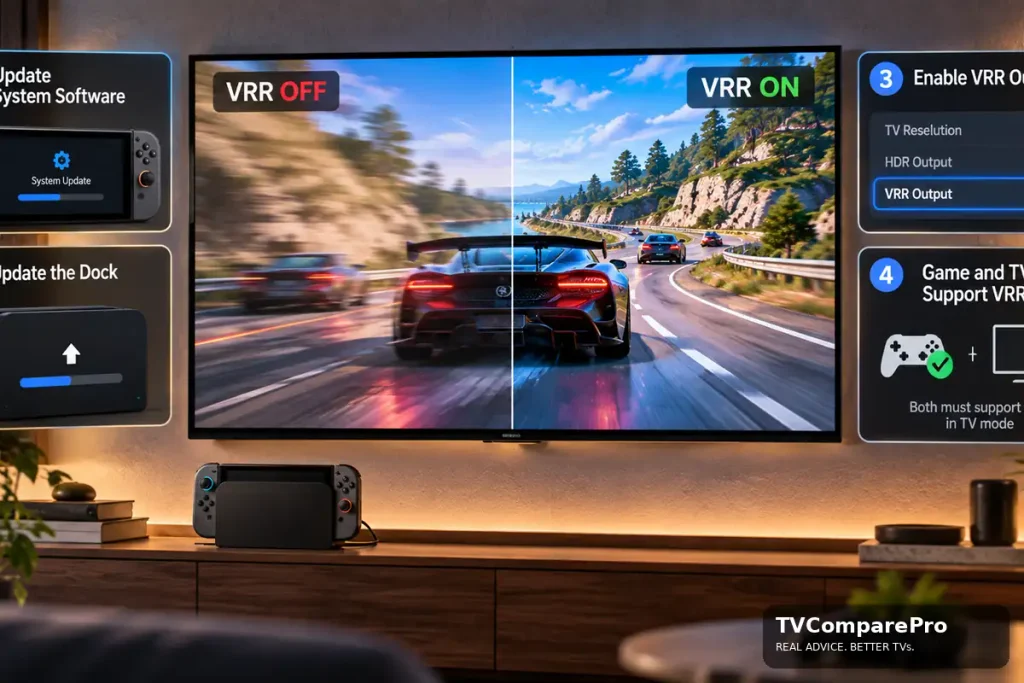
How to enable VRR in TV Mode
| Step | What to do | Why it matters |
|---|---|---|
| 1 | Update Switch 2 to version 23.0.0 or newer | TV Mode VRR was added at system level in this update |
| 2 | Open System Settings → System → Dock Update | Nintendo requires a dock update for the feature |
| 3 | Enable VRR Output in the console’s display settings | Allows the console to use variable refresh on supported software |
| 4 | Use a VRR-compatible HDMI input on the TV | Some TVs limit VRR to specific inputs |
| 5 | Launch a confirmed compatible game | The system setting alone cannot add support to every game |
Do you need a 120Hz TV?
No. You do not need a 120Hz TV to use VRR on Switch 2.
VRR and 120Hz are two different features:
- VRR lets the TV adjust its refresh rate to match the game’s frame rate. This helps reduce tearing and uneven motion.
- 120Hz lets the TV display up to 120 frames per second when the game and console support it.
Some 60Hz TVs support VRR too. For example, the Hisense U6K has a native 60Hz panel but still supports VRR. The older TCL S546 is another 60Hz TV with VRR support.
For Switch 2, a 120Hz TV is mainly useful if you want to play compatible games at 1080p or 1440p up to 120 fps. At 4K, Switch 2 tops out at 60 fps.
Examples of VRR TVs That Work Well for Gaming
| TV | Year | Refresh rate | VRR | Why it is useful |
|---|---|---|---|---|
| Hisense U6K | 2023 | 60Hz | Yes | Good example that VRR does not require a 120Hz panel |
| LG C2 OLED | 2022 | 120Hz | Yes | Wide VRR range, HDMI Forum VRR, FreeSync and G-SYNC support |
| Samsung S90C OLED | 2023 | Up to 144Hz | Yes | Wide VRR range and strong support for high-refresh gaming |
The LG C2 supports HDMI Forum VRR, FreeSync and G-SYNC across a wide refresh-rate range. The Samsung S90C also supports a wide VRR range and up to 4K 144Hz, with 120Hz working across common console resolutions.
If VRR does not work, first connect the Switch 2 dock directly to the TV. A soundbar, AV receiver or the wrong HDMI port can sometimes limit the signal. Our 4K 120Hz drops to 60Hz guide explains this type of HDMI-chain problem.
VRR does not increase a game’s frame rate
VRR changes the display timing. It does not create extra frames.
If a game varies between frame rates, the television can adjust its refresh cadence to follow more closely. That can reduce visible tearing and make inconsistent frame delivery feel smoother. A perfectly stable game may show a smaller benefit, while a title that regularly moves around its performance target can benefit more.
| What VRR can help with | What VRR does not do |
|---|---|
| Reduce tearing | Turn a 30 fps game into 60 fps |
| Reduce judder from changing frame delivery | Increase rendering resolution |
| Make fluctuating performance feel smoother | Fix every stutter caused by the game engine |
| Synchronize compatible TV refresh more closely to the console | Guarantee identical behavior on every television |
VRR can also reveal panel behavior such as near-black flicker on some displays. If that happens, use our VRR flicker troubleshooting guide rather than assuming the Switch 2 itself is defective.
Practical setup notes
For the cleanest test, connect the Switch 2 dock directly to the television and use the TV’s normal low-latency Game Mode. Do not simultaneously change black level, HDR settings, motion interpolation and HDMI format settings. 🎮 Test one variable at a time.
If your television has a game dashboard that reports refresh rate, use it as a diagnostic tool rather than absolute proof of game support. The official game documentation remains the stronger signal for this tracker.
HDR is a separate feature. If Switch 2 HDR looks pale or washed out, changing VRR will not correct a Full/Limited range mismatch. We cover that separately in our Switch 2 HDR washed-out guide.
If VRR still does not work
| Symptom | First check | Next step |
|---|---|---|
| No VRR option or effect | Confirm system version 23.0.0+ | Update the dock |
| TV says VRR is unsupported | Try the TV’s VRR-capable HDMI input | Enable the TV’s enhanced/game HDMI mode if required |
| VRR works in one game but not another | Check game support | Do not assume every title is compatible |
| Picture flickers in dark scenes | Confirm it only happens with VRR enabled | Use model-specific VRR flicker troubleshooting |
| Signal drops through receiver/soundbar | Connect dock directly to TV | Test the intermediate device separately |
⚠️ Avoid factory resets or service-menu changes just to make VRR work. The usual causes are software support, dock firmware, HDMI-port configuration or the game’s own compatibility.
Current Switch 2 TV Mode VRR Support
For now, the confirmed list remains simple: Nintendo Switch 2 Welcome Tour supports TV Mode VRR today, while The Legend of Zelda: Ocarina of Time is officially listed with VRR Output ahead of its November release.✅