
Sony BRAVIA firmware 114.603.100.1 is now rolling out in Europe after arriving earlier in North America, but the release notes are more confusing than the version number suggests. Sony uses the same firmware number across several compatible BRAVIA model groups, while the published changelog can differ by region and support page.
That matters if you are trying to work out whether this update fixes a specific problem. The European release dated September 24 lists security and general performance improvements on some 2026 BRAVIA support pages. Other Sony support pages for the same firmware branch show a longer history of picture, gaming, audio and app changes that are already included in the software.
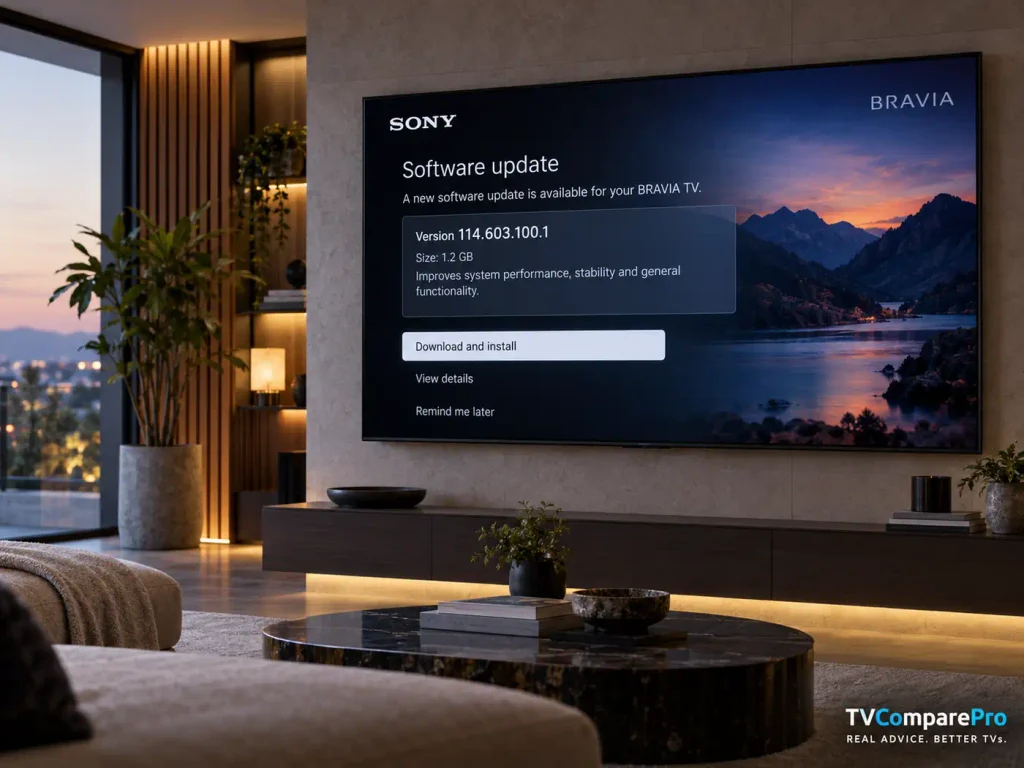
The practical takeaway is simple: version 114.603.100.1 is a real current update, but not every feature shown in a long Sony changelog should be treated as a brand-new fix delivered on September 24.
Sony BRAVIA firmware 114.603.100.1 at a glance
| Item | What to know |
|---|---|
| European release | September 24, 2026 |
| North American release | September 15, 2026 |
| Main current EU notes | Security and general TV performance improvements on some 2026 model support pages |
| Distribution | Gradual over-the-air rollout, with USB installation also available for supported models |
| File size | About 3.12 GB on the European download page checked for BRAVIA 7 II and BRAVIA 9 II |
| Important limitation | Applicable model lists and release-note detail vary by region and Sony support page |
What actually changed in 114.603.100.1?
This is where Sony’s documentation needs to be read carefully. On the European BRAVIA 7 II and BRAVIA 9 II page we checked, Sony lists two current benefits for 114.603.100.1: improved security and improved general TV performance. The same page then places earlier fixes under a separate previous-benefits section.
That distinction is important. If a support page lists Prime Video Calibrated Mode, Dolby Vision dark-scene improvements or previous sound fixes below the historical section, it does not automatically mean those features first appeared in the September 24 build.
Across Sony’s current regional support pages for this firmware branch, the accumulated changes include several useful items:
- improvements to dark scenes in Dolby Vision;
- fixes for incorrect or unstable picture behavior in some apps;
- sound fixes involving external audio systems and power cycles;
- gaming-related additions such as YouTube Quick Search in the Game Menu on supported models;
- Prime Video Calibrated Mode on compatible BRAVIA models;
- BRAVIA Connect and Voice Zoom 3 support on compatible hardware;
- general stability, HDMI and restart fixes on some model groups.
North American Sony pages expose even more detail for certain model groups. Those pages mention fixes involving HDR brightness in internal apps, incorrect brightness in Game Mode, subtitle-related brightness changes, Dolby Vision grayscale in dark scenes and a blue tint that could appear after a power cycle.
That does not mean every European BRAVIA receives every North American line item in exactly the same way. Sony separates model groups and regions, so the correct approach is to check the support page for your exact model.
Does it fix the recent BRAVIA audio-sync problem?
This is the part that needs the most caution. Sony owners have reported audio-sync, crackling and audio-drop behavior on recent Android 14 firmware, especially with external HDMI devices, eARC systems and some soundbar setups. Version 114.603.100.1 has improved the situation for some owners, but current reports are mixed.
Some users say the drifting sync problem is much better or has disappeared on their setup. Others report that the problem returned after several days, or that short audio drops remain even after installing the European release.
So TVComparePro would not describe 114.603.100.1 as a universal audio-sync fix. If audio synchronization is your only reason for updating, treat the firmware as a possible improvement rather than a guaranteed cure.
We already cover the diagnosis separately in our Sony BRAVIA audio out-of-sync guide, so this page stays focused on the firmware itself rather than duplicating that troubleshooting article.
What gamers should pay attention to
The accumulated firmware notes include several gaming-related changes, but again, availability depends on the model group. On supported sets, Sony has documented items such as YouTube Quick Search in the Game Menu, Gaming Multi-View changes and fixes related to Game Mode picture behavior.
If your TV was already working correctly with PS5, Xbox Series X or a gaming PC, there is no need to change your picture settings simply because the firmware number changed. Install the firmware first, confirm your existing setup, then only adjust settings if you can reproduce a problem.
Dolby Vision and HDR changes are model-dependent
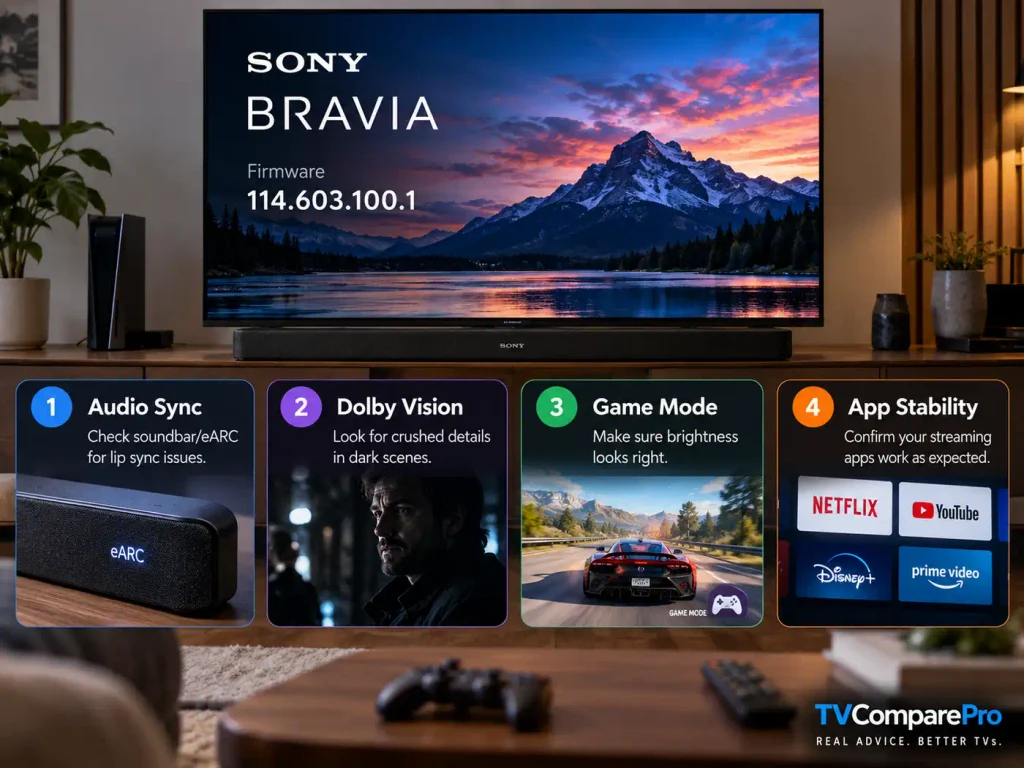
Depending on the model group and region, Sony documents improvements for dark Dolby Vision scenes, HDR brightness behavior in internal apps, subtitle-related brightness changes, Motionflow behavior in apps and occasional color problems after standby.
These are meaningful changes if you were affected, but they should not be collapsed into one claim that 114.603.100.1 fixes Dolby Vision. A firmware package can contain several picture-related changes without resolving every Dolby Vision complaint on every BRAVIA.
If you use a recent premium BRAVIA for HDR movies, it is worth checking the same scenes you know well after updating. Use the same picture mode and source before comparing. Changing several settings at the same time makes it difficult to tell whether the firmware changed anything.
Why the update may not appear on your TV yet
Sony says automatic firmware releases are staggered. That means two identical televisions in the same country may not receive the over-the-air notification at exactly the same time. If your BRAVIA says it is already up to date but still shows an older version, that does not necessarily mean 114.603.100.1 is unavailable for your model.
Before using the USB method, check the official Sony support page for the exact model number printed in your TV’s system information or on its label. Do not install a firmware package simply because another BRAVIA uses the same version number.
Practical setup notes
Before updating, note your current firmware version and take photos of any unusual custom picture or audio settings you would not want to forget.
For the automatic method, let the TV complete the installation without interrupting power. For USB installation, Sony warns not to remove the drive, switch off the television or disconnect power while the firmware is being installed.
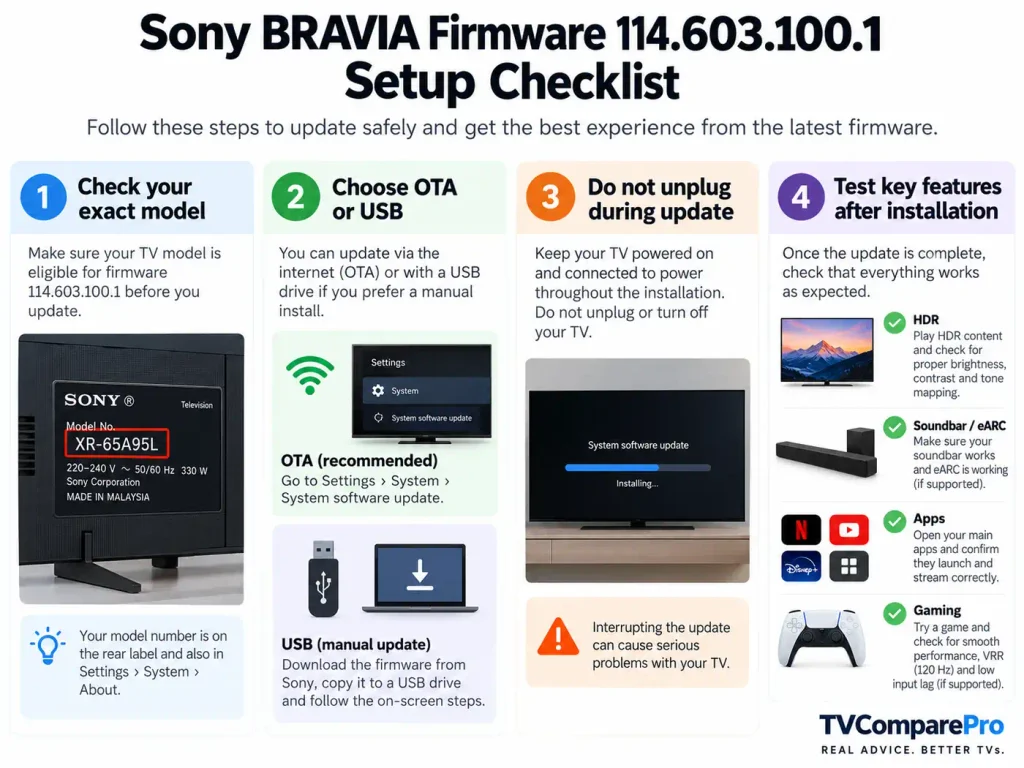
After the update, check the software version again. If it shows 114.603.100.1, the installation completed successfully.
Then test the TV before making any other changes:
- play a familiar HDR or Dolby Vision scene;
- check your main HDMI source;
- test the soundbar or receiver if you use eARC;
- open the streaming apps you normally use;
- run a game in the same Game Mode configuration you used before.
This gives you a clean before-and-after comparison.
Should you install Sony BRAVIA firmware 114.603.100.1?
For supported European models, Sony describes the current release as a security and general-performance update, and Sony recommends keeping compatible televisions current. There is therefore a reasonable case for installing it rather than permanently avoiding it.
What we would not do is install it because of one specific line copied from a different regional changelog. Check your exact Sony support page first.
If your television is currently stable and you prefer to avoid day-one firmware changes, the staggered rollout also means you do not need to force the USB installation immediately. Waiting for the normal OTA notification is the lower-effort option.
If you are affected by a known problem and are considering the update specifically as a fix, keep expectations realistic. The first European owner reports show that some audio issues remain setup-dependent, even after 114.603.100.1.
The most useful thing about this release is not one dramatic new feature. It is that Sony is continuing to refine the same BRAVIA software branch across picture processing, gaming, audio, apps and system stability, while the exact benefit depends heavily on the model and region.