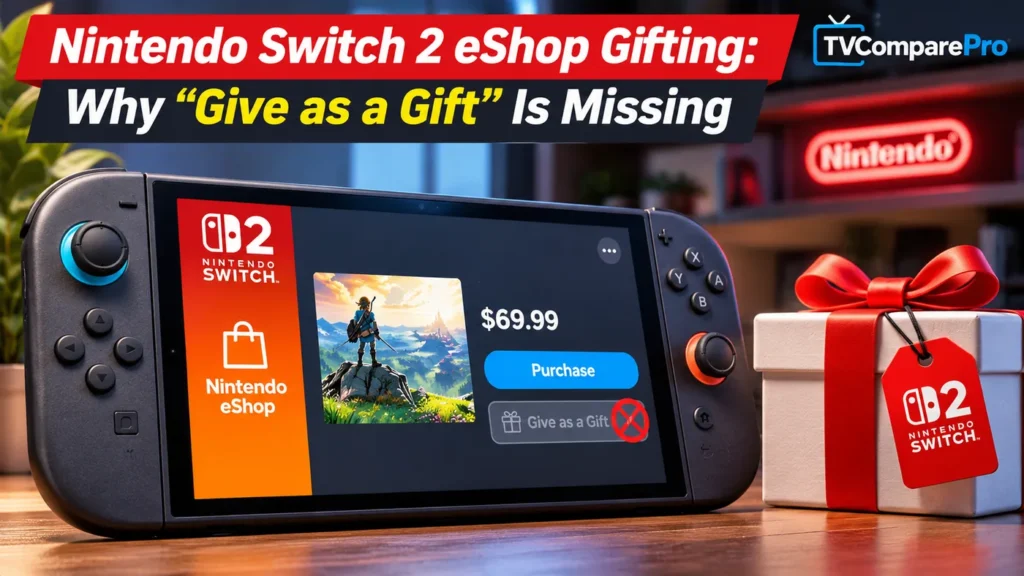

Buying a digital game for someone shouldn’t feel more complicated than buying one for yourself. If you’ve been searching for Nintendo Switch 2 gift games, there’s finally good news: Nintendo is adding direct digital gifting to the eShop. The catch is that the feature isn’t switched on yet, even if you’ve installed the latest system update.
As of November 10, 2026, system version 23.5.0 prepares both the original Nintendo Switch and Switch 2 for gifting. The actual eShop feature is scheduled to follow on November 16 in North America and November 17 in the UK and other regions using the later maintenance schedule. So if the “Give as a Gift” option is missing today, you’re not necessarily doing anything wrong.
Why “Give as a Gift” isn’t showing up yet
There are two separate parts to this rollout, and I think that’s what makes the announcement easy to misunderstand. The console update adds support for gifting. The eShop update, which arrives later, is what makes it usable.
Nintendo’s North American announcement says November 16. Its UK update notes say the feature will be available after eShop maintenance on November 17. I wouldn’t treat those dates as a contradiction or promise an exact activation hour. The practical point is that updating your console on November 10 will not make the gift checkbox appear immediately.
My advice: Install version 23.5.0, make sure your family group is ready, and check the eShop again after the rollout in your region. There’s no reason to factory-reset a working console because the button is missing before launch.
Who can actually receive a Switch digital game gift?
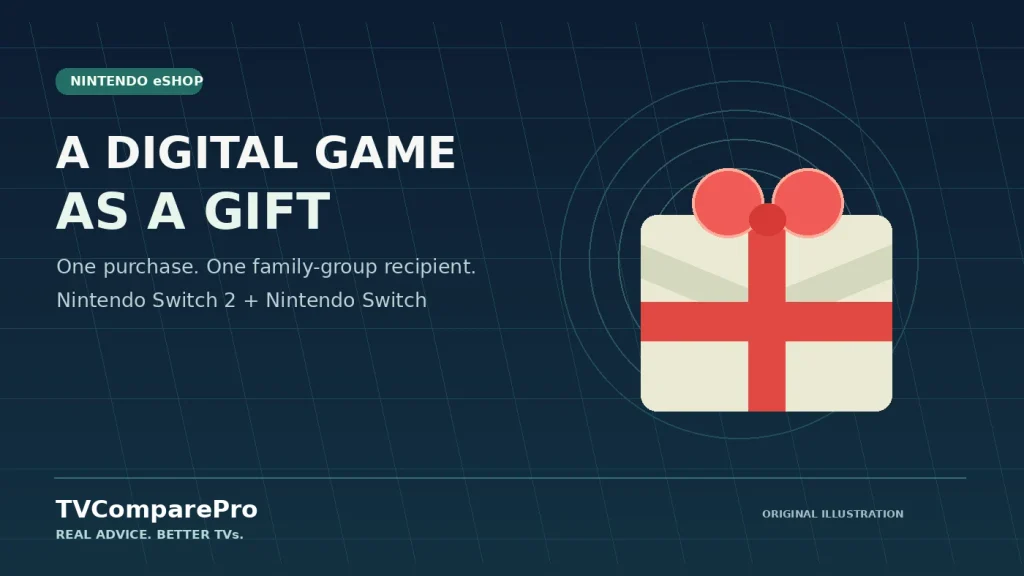
This is where Nintendo’s approach is more restrictive than some people may expect. You can’t simply open your entire Nintendo friends list and buy a game for anyone. The recipient needs to be in your Nintendo Account family group, which can contain up to eight accounts, including the administrator.
That doesn’t mean everyone must be playing on the same console. Nintendo says you can even choose which of the recipient’s linked systems should receive the present. But membership of the same family group is the requirement to pay attention to, not whether two people are friends in a game.
There is another important limit: supervised accounts cannot send digital gifts. Nintendo describes the feature as useful for parents buying games for their children, but account restrictions and product eligibility still matter. I would have the adult account handle the purchase rather than trying to get around a supervised account’s permissions.
Set up your family group before the gifting feature launches
I’d do this part now, especially if the gift is for a child or someone using a second Switch. It takes the account setup out of the way before you’re ready to buy anything.
- Sign in to the administrator’s Nintendo Account on Nintendo’s account website.
- Open Family group and choose to create the group or add a member.
- Invite the person’s Nintendo Account using the email address associated with it. They must accept the invitation, unless you’re setting up a child account through the administrator.
- On the console, go to System Settings > System > System Update and check that version 23.5.0 or later is installed.
Only the family-group administrator can add members. Also, a Nintendo Account family group isn’t the same thing as a paid Nintendo Switch Online Family Membership. Nintendo’s gifting instructions specify family-group membership; they do not list buying an Online subscription as a prerequisite.
How to gift a game through Nintendo eShop
Once the feature goes live, Nintendo’s published instructions describe a straightforward purchase process. These are officially announced steps, not a claim that I’ve already completed a gift on a live eShop.
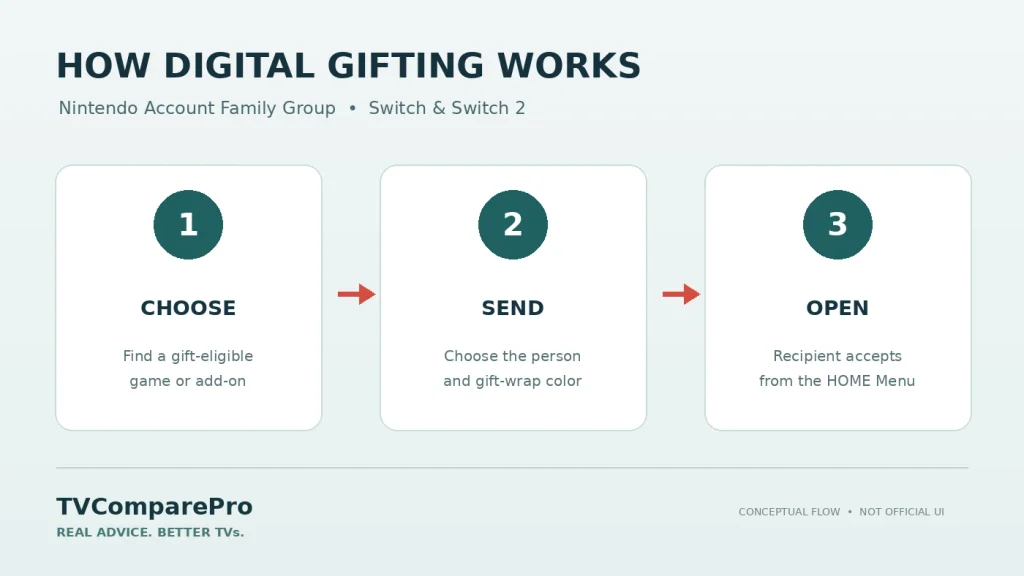
- Open Nintendo eShop on your Switch or Switch 2 and find an eligible game, DLC or upgrade pack.
- On its product page, select the “Give as a Gift” checkbox before continuing to checkout.
- Pick a recipient from your Nintendo Account family group. Choose their linked console if Nintendo offers more than one.
- Choose a digital gift-wrap color, review the purchase, and confirm payment.
- The gift arrives on the recipient’s HOME Menu, where they can accept it.
One detail I’d pay attention to: gifts arrive immediately
You can choose a wrapping color, which is a nice touch, but Nintendo says the gift is delivered as soon as you complete the purchase. There is no confirmed option to choose a later delivery date.
That’s important if you’re buying something for a birthday or Christmas. I wouldn’t purchase a surprise weeks in advance and assume Nintendo will keep it hidden until the day arrives. The recipient sees the gift on their HOME Menu, accepts it, and can start using it without entering a download code or payment details.
Which games and add-ons can you gift?
Nintendo says the feature will cover eligible digital games, downloadable content and upgrade packs. The word eligible matters. Not every product is guaranteed to have a gift option, and Nintendo hasn’t provided a complete exclusion list or the exact number of gifts you may purchase in a given period.
| Question | What Nintendo has confirmed |
|---|---|
| Can I gift a digital game? | Yes, when the product is eligible. |
| Can I gift DLC or an upgrade pack? | Eligible add-ons and upgrade packs are included. |
| Can I gift to any Nintendo friend? | Not directly. The recipient must be in the same Nintendo Account family group. |
| Can supervised accounts send gifts? | No. |
| How many gifts can I buy? | A purchase limit exists, but Nintendo hasn’t stated the number or time period. |
Before paying for DLC or a Switch 2 upgrade pack, I would also check that the recipient has the compatible base game and console. Gifting an add-on doesn’t solve a compatibility problem on its own.
If the gift checkbox is still missing after launch
I would check the obvious conditions before assuming the eShop is broken:
- Timing: Has Nintendo’s eShop update or maintenance finished in your region?
- System software: Is the Switch or Switch 2 running version 23.5.0 or newer?
- Account: Are you using an account permitted to buy gifts, rather than a supervised account?
- Recipient: Is the person actually listed in your Nintendo Account family group?
- Product: Is the particular game or add-on eligible for digital gifting?
If one product doesn’t show the option, check an eligible product rather than immediately changing account settings. And I wouldn’t recommend deleting user profiles, changing console regions, or resetting the system without evidence that those steps address the problem.
Gifting isn’t the same as lending a Virtual Game Card
This is the distinction I think Nintendo needs to make especially clear. A digital gift is a new purchase for someone else. Lending a Virtual Game Card lets a family-group member use a game from your existing library for up to 14 days, after which it returns automatically.
They’re useful for different situations. Lending makes sense when someone wants to try a game. Gifting makes more sense when you want them to have their own copy. Don’t confuse the two just because both use the same Nintendo Account family group.
Is Nintendo’s new gifting feature worth using?
For parents buying games for their children, absolutely. It removes the awkward step of buying a code and asking the recipient to redeem it. I also like that Nintendo lets you pick the receiving system when someone has more than one console.
But I’d like to see the feature go further. Being restricted to a family group makes it less convenient than a system where you can send a gift to any approved friend. And because purchases are delivered immediately, the wrapping paper doesn’t quite replace the surprise of scheduling a birthday present.
For now, the smart move is simple: update your console, prepare your family group, and wait for the eShop rollout in your region. Once the feature goes live, the real question won’t be whether gifting exists, but which products Nintendo actually allows you to send.
Setting up a Switch 2 on a new television too? Our Nintendo Switch 2 TV Mode VRR games list and Switch 2 HDR troubleshooting guide cover two common display questions.